
ReadLoudly vs Speechify: Which Text-to-Speech Wins in 2026?
Comparing ReadLoudly and Speechify to help you find the best text-to-speech tool for documents, productivity, and accessibility in 2026.
Choosing the best text-to-speech (TTS) tool can feel tricky, right?
You want to listen to articles or documents easily, but choosing the right app can be challenging.
You might worry about wasting time on a tool that just doesn't fit your needs.
It's frustrating when you want to focus on listening, rather than conducting endless research.
In this guide, we'll compare two popular options: ReadLoudly vs Speechify.
By the end, you'll clearly see which text-to-speech winner best serves your goals in 2026.
Let's find your perfect listening companion!
Overview
We put ReadLoudly and Speechify to a real test.
We spent many hours using both. We checked how well they worked.
This led to our clear comparison. Now, let's see what we found.
| Feature | ReadLoudly | Speechify |
|---|---|---|
| PDF to Speech | Yes | Yes |
| E-book to Flipbook | Yes | No |
| Chat with PDF (AI) | Yes | Yes |
| OCR (Scan & Listen) | Yes | Yes |
| Number of Voices | 1,200+ | 1,000+ on Premium (10 on free) |
| Languages | 40+ | 60+ |
| Free Plan | Yes | Yes |
| Paid Plans from | $5/month | $11.58/month |
What is ReadLoudly?
ReadLoudly is an online tool that helps you read and listen.
It converts your documents, such as PDFs and e-books, into audio.
You can also make them look like real books you can flip through.
It's a simple way to get through your reading. You can even talk to your PDFs!
Key Benefits of ReadLoudly
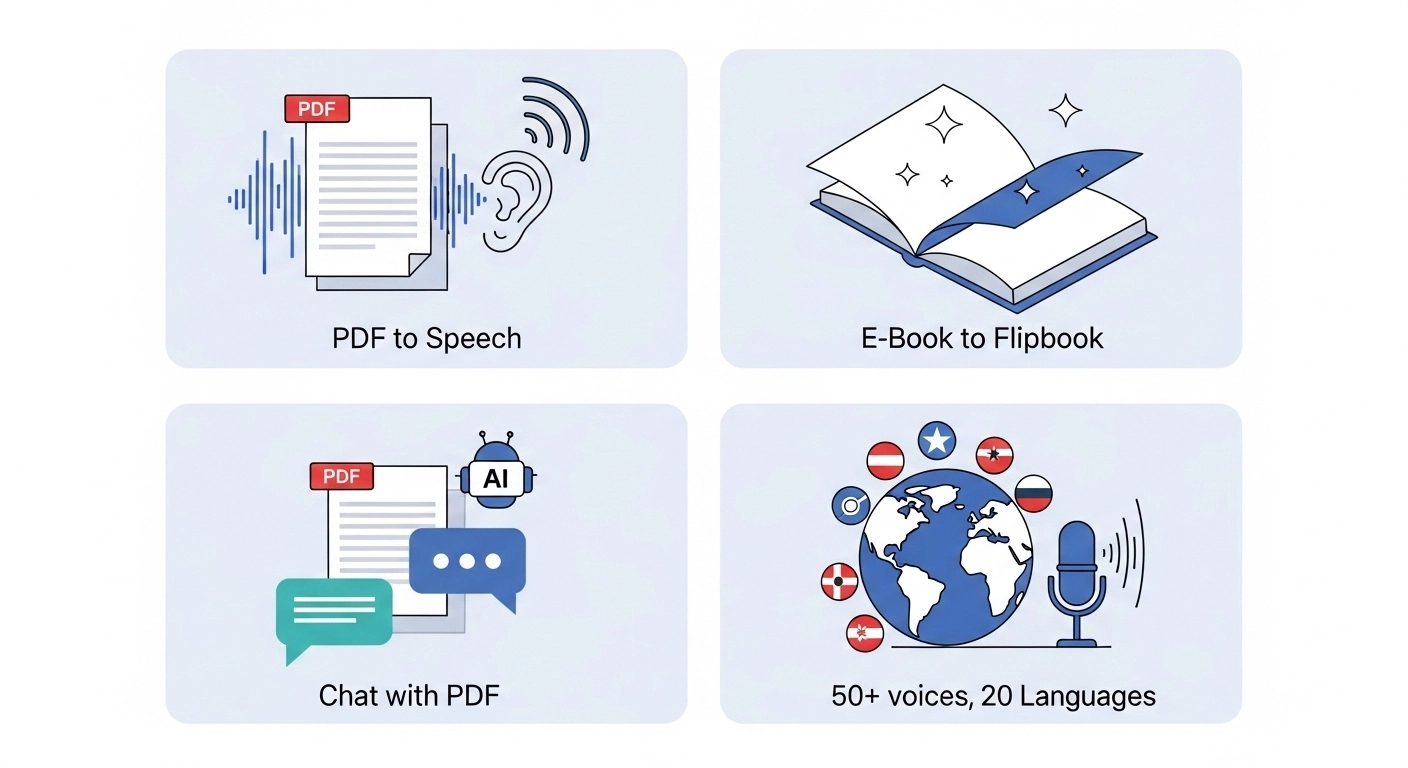
- PDF to Speech Conversion: Easily turn your PDF files into spoken audio.
- E-book to Flipbook: Transforms your e-books into interactive flipbooks, making them more engaging.
- Chat with PDF (AI Assistant): Ask questions about your PDF, and an AI assistant will help you find answers.
- Supports 1,200+ premium AI voices across 40+ languages, plus the free voices your own device provides.
- Used by over 1,100 users.
ReadLoudly Pricing
ReadLoudly offers different plans to fit your needs. You can start with a free plan to try it out.
- Free Plan: Uses the voices your own device provides, so it spends no credits. It processes documents 10 pages at a time (you can load the next 10), takes uploads up to 50 MB with or without an account, and includes OCR. It shows ads.
- Core Plan: Starts at $5/month (or $50/year). 100K voice credits, about 9.6 hours of standard voice or 2.4 hours of natural voice.
- Plus Plan: Starts at $10/month (or $100/year). 200K credits, about 19 hours or 4.8 hours.
- Pro Plan: Starts at $19/month (or $190/year). 400K credits, about 38 hours or 9.6 hours.
Paid plans process the whole document at once, and the maximum upload grows to 200, 350 and 500 MB.
ReadLoudly Pros & Cons
- Pros: Converts text easily. Supports many document types. Makes reading less tiring. Offers interactive flipbooks.
- Cons: Free voices can sound robotic. Not on all platforms. Needs premium for full features.
What is Speechify?
Speechify is a well-known app for listening to text.
It takes words from almost anywhere and reads them aloud.
This includes web pages, documents, and even pictures.
It's ideal if you want to learn more quickly or have reading difficulties.
You can use it on your phone, tablet, or computer.
Key Benefits of Speechify
Speechify stands out with its smart voices and helpful features. It makes learning and reading much more flexible.
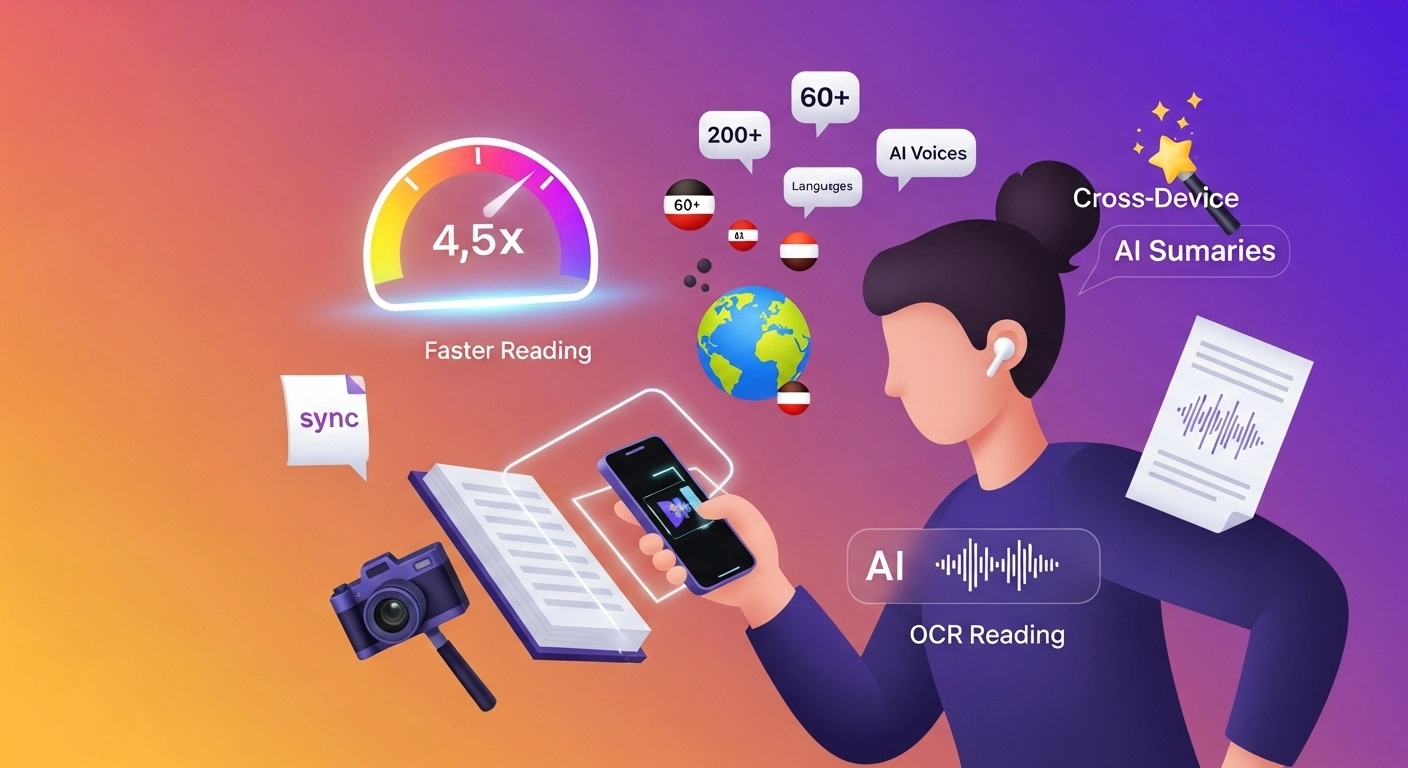
- Offers 1,000+ natural-sounding AI voices on Premium, against 10 on the free plan.
- Plays back at up to 5x on Premium, and up to 1.5x on the free plan.
- Supports more than 60 different languages.
- Scan printed text using your camera: the iPhone and iPad app reads a photographed book page aloud.
- Easily syncs your content across all devices.
- Includes AI summaries and chat tools.
Speechify Pricing
Speechify has a permanent free plan and a paid Premium plan. Figures below come from Speechify's own pricing page and free vs premium page, checked 22 October 2026.
- Free Plan: Text-to-speech features only, with 10 voices that Speechify itself calls "robotic sounding", playback up to 1.5x and a 5-file library.
- Monthly Plan: $29/month.
- Annual Plan: $11.58/month, which is $139 billed once a year.
Speechify Pros & Cons
- Pros: High-quality AI voices. Read very fast. Works on all devices. Scans printed text.
- Cons: The premium cost is high. The free plan is limited. Occasional voice glitches.
Feature Comparison
Let's compare ReadLoudly and Speechify side by side.
We'll look at their key features.
This will help you decide which text-to-speech tool is best for your needs.
1. Core Text-to-Speech Quality
Both tools help you read aloud content, but their voice quality differs.
- ReadLoudly: Offers a good range of voices. It focuses on clear read aloud for documents.
- Speechify: Known for its highly natural-sounding AI voices. It aims for a human-like reader experience.
2. Document Compatibility
What kind of digital content can you read text aloud from? Both support common formats.
- ReadLoudly: Works well with PDFs, flipbooks, and ebooks. You can upload these files easily.
- Speechify: Reads from PDFs, web pages, emails, and even text in images using OCR. You can select text from almost any source.
3. Voice Options & Customization
Personalize your listening by changing voices and settings.
- ReadLoudly: Provides 1,200+ premium AI voices across 40+ languages, with playback speed and pitch adjustable to suit the material.
- Speechify: Features 1,000+ voices on Premium and 10 on the free plan. Reading speed goes up to 5x on Premium and 1.5x on the free plan.
4. Offline Access & Saving
Can you save your audio for later, even without an internet connection?
- ReadLoudly: Allows you to save bookmarks and highlights. Offline audio file downloads are not a primary advertised feature for all content.
- Speechify: Premium users can download content as an audio file. This lets you save and listen offline.
5. Platform Availability
Is it a web-based tool or a full software?
- ReadLoudly: Primarily an online platform. You access it through your web browser.
- Speechify: Available as a web app, mobile app (iOS, Android), and browser extension. It's a versatile software.
6. Unique Document Features
Beyond just reading, what special things can they do with your digital documents?
- ReadLoudly: Excels at turning PDFs and ebooks into interactive flipbooks. It also has a "Chat with PDF" feature.
- Speechify: Offers powerful Optical Character Recognition (OCR). This lets it read text aloud from images or scanned documents.
7. Ease of Use
How easy is it to get started and use on a daily basis?
- ReadLoudly: Very easy to upload a document and click play. The interface is clean.
- Speechify: Simple to select text or upload files. Its browser extension enables quick reading of web content aloud.
8. Speed & Productivity
Can these tools help you get through more content faster?
- ReadLoudly: Helps with multitasking by letting you listen. It aims to improve your reading volume.
- Speechify: Designed for speed-listening. Premium plays back at up to 5x, and the free plan stops at 1.5x. This boosts productivity.
9. Accessibility Support
How do these tools assist individuals with diverse needs?
- ReadLoudly: Offers customizable settings for a personalized reading experience. It supports various languages.
- Speechify: Built with accessibility in mind. It helps users with dyslexia, ADHD, and visual impairments.
Text-to-speech is a mainstream reading aid, and the nonprofit Understood lists it under assistive technology for reading. Either tool can fill that role, and the device voices on ReadLoudly's free plan cost nothing to try.
Free Tier Limits: ReadLoudly vs Speechify
The two free plans are limited in different ways. Speechify limits voice quality, speed and library size. ReadLoudly limits how much of a document it processes at once.
Neither plan counts in the same unit, so the table below uses each vendor's own wording. We checked Speechify's pages on 22 October 2026.
| Tool | Free allowance | Resets | OCR on free? |
|---|---|---|---|
| ReadLoudly | Device voices, no credits; 10 pages at a time; uploads up to 50 MB | No credits to reset; load the next 10 pages any time | Yes, 10 pages at a time |
| Speechify | 10 "robotic sounding" voices, speed up to 1.5x, 5-file library; no word or minute cap published | Not publicly stated | Not confirmed; OCR text extraction is listed under Premium |
Speechify's own student guide mentions "monthly premium voice minutes" as a free limit but gives no number. Some review sites quote figures, and Speechify does not confirm any of them, so we leave them out.
On ReadLoudly, the free plan uses the voices your own device provides. They cost no credits, but their quality depends on your phone or computer. Guest files are kept about 24 hours, and an account keeps a book 30 days after you last open it. The free plan shows ads.
If you want to compare more than these two, see how every free tier counts its limits.
Scanned and Long Documents: ReadLoudly vs Speechify
Both tools can read a scan, but they gate it differently. Speechify lists "Scan & Listen" and deep-learning OCR text extraction as Premium features. Its free vs premium page also says the free plan converts PDFs, images and text messages to speech, so the exact free coverage is not clear from the page. Test a scan before you rely on it.
ReadLoudly includes OCR on the free plan. It works through a scanned PDF or photo 10 pages at a time, the same batch size as any other file.
Length is where the plans differ most:
- Free ReadLoudly: A 300-page textbook means working through it in batches of 10 pages. That is steady rather than instant, but nothing stops you from loading the next batch.
- Paid ReadLoudly: Core, Plus and Pro process the whole document. Maximum upload is 200, 350 and 500 MB. Your listening time then comes from credits: Core gives 100K, which is about 9.6 hours of standard voice or about 2.4 hours of natural voice.
- Speechify: The free plan keeps 5 files in your library. Premium has unlimited library storage, and its listening is counted in Premium-voice words per month (see below).
Who Suits ReadLoudly and Who Suits Speechify
Speechify suits you better if you listen mostly on a phone, want the widest voice and language range, or read at high speed. It has iOS and Android apps and a browser extension, and Premium plays back at up to 5x. Even its free plan reaches 1.5x. Those are real advantages, and ReadLoudly does not try to match them tool for tool.
ReadLoudly suits you better if your reading is mostly documents. You upload a PDF or e-book in the browser, listen, turn it into a flipbook, or ask questions about it with Chat with PDF. It also costs less to start: paid plans begin at $5 a month, against $29 monthly for Speechify Premium or $139 billed yearly.
If you only need a quick read-aloud of a short file, the free plan on either one will do. The choice matters once you read every day.
What to Look for When Choosing a Text-to-Speech Software?
Picking the right text-to-speech tool means looking beyond basic features. Think about what truly matters for your specific needs.
- Voice Quality: Look for natural, human-like voices that sound engaging and relatable.
- Language Support: Check for languages and accents you specifically need.
- Customization Options: Adjust pitch, speed, and tone to fit your content.
- Ease of Use: Choose software that is simple to learn and navigate.
- File Compatibility: Ensure it works with your common document types.
- Offline Capability: Check if you can download audio for listening without an internet connection.
- Device Syncing: Your content should follow you across all your devices.
- Unique Features: Consider specialized tools such as image scanning or flipbook creation.
- Customer Support: Good help is vital if you ever run into problems.
What to Check Before Paying for Speechify or ReadLoudly
Check how the paid plan counts your listening, not just the monthly price. Speechify's usage limits page sets out the terms for Premium subscribers:
- A guaranteed baseline of 150,000 Premium-voice words per month.
- A total of 1,000,000 words per month from 1 January to 31 December 2026.
- After 2026, extra words are at Speechify's discretion and can be changed or revoked.
The page applies to Premium only, and it never mentions free users. It also contradicts itself on the expiry date, so read the current version before you subscribe. Speechify's pricing page shows a "Try For Free" button without stating trial terms, so confirm the trial length and cancellation steps before you enter a card.
ReadLoudly's paid plans use credits. Core is 100K credits, Plus 200K and Pro 400K, and each credit buys listening time at the rates above. Natural voices use more credits than standard voices.
Before paying for either, run your own longest document through the free plan. Check the voice, the speed, and whether a scan reads correctly. That test costs nothing.
Final Verdict
After testing both ReadLoudly and Speechify, we have a clear winner for most users in 2026: ReadLoudly.
While Speechify offers many voices and fast reading, ReadLoudly truly shines with its unique document features.
Its ability to turn PDFs into flipbooks and offer a "Chat with PDF" tool makes it stand out.
This comparison shows you what each can do.
We put in the hours, so you don't have to.
Trust our insights to find the perfect text-to-speech companion for your needs.