
ReadLoudly vs NaturalReader: Best TTS for You in 2026
Comparing ReadLoudly and NaturalReader to help you find the best text-to-speech tool for documents, productivity, and accessibility in 2026.
Do you struggle to get through all your reading?
Would you like to listen to articles or documents while doing other things?
There are TTS tools that promise to make your life easier.
But which one is truly the best fit for your needs?
We know it can be tough to pick, and you don't want to waste time on the wrong tool.
In this article, we'll compare ReadLoudly vs NaturalReader so you can decide which one helps you read (or listen!) more efficiently in 2026.
Overview
We've put both ReadLoudly and NaturalReader to the test.
We used them on various types of documents and experimented with their settings.
This hands-on experience helped us see how they stack up.
Now, let's look at what each one offers.
| Feature | ReadLoudly | NaturalReader |
|---|---|---|
| PDF to Speech | Yes | Yes |
| E-book to Flipbook | Yes | No |
| Chat with PDF (AI) | Yes | No |
| OCR Text Recognition | Yes, on the free plan | Paid plans only |
| Number of Voices | 1,200+ | 1000+ |
| Free Plan | Yes | Yes |
| Paid Plans from | $5/month | $13.90/month ($79/year) |
What is ReadLoudly?
ReadLoudly is a fantastic tool for listening to text.
It turns your documents into audio, making it easy to multitask.
We found it extremely helpful for quickly getting through articles and reports.
Key Benefits of ReadLoudly
- PDF to Speech Conversion: Easily turn your PDF files into spoken audio.
- E-book to Flipbook: Transforms your e-books into interactive flipbooks, making them more engaging.
- Chat with PDF (AI Assistant): Ask questions about your PDF, and an AI assistant will help you find answers.
- Supports 1,200+ premium AI voices across 40+ languages, plus the free voices your own device provides.
- Used by over 1,100 users.
ReadLoudly Pricing
ReadLoudly offers different plans to fit your needs. You can start with a free plan to try it out.
- Free Plan: Uses the voices your own device provides, so it spends no credits. It processes documents 10 pages at a time (you can load the next 10), takes uploads up to 50 MB with or without an account, and includes OCR. It shows ads.
- Core Plan: Starts at $5/month (or $50/year). 100K voice credits, about 9.6 hours of standard voice or 2.4 hours of natural voice.
- Plus Plan: Starts at $10/month (or $100/year). 200K credits, about 19 hours or 4.8 hours.
- Pro Plan: Starts at $19/month (or $190/year). 400K credits, about 38 hours or 9.6 hours.
Paid plans process the whole document at once, and the maximum upload grows to 200, 350 and 500 MB.
ReadLoudly Pros and Cons
- Pros: Converts text easily. Supports many document types. Makes reading less tiring. Offers interactive flipbooks.
- Cons: Free voices can sound robotic. Not on all platforms. Needs premium for full features.
What is NaturalReader?
NaturalReader is a popular text-to-speech tool.
It's great for turning almost any text into natural-sounding audio.
We found it very helpful for listening to articles and documents on the go.
Key Benefits of NaturalReader
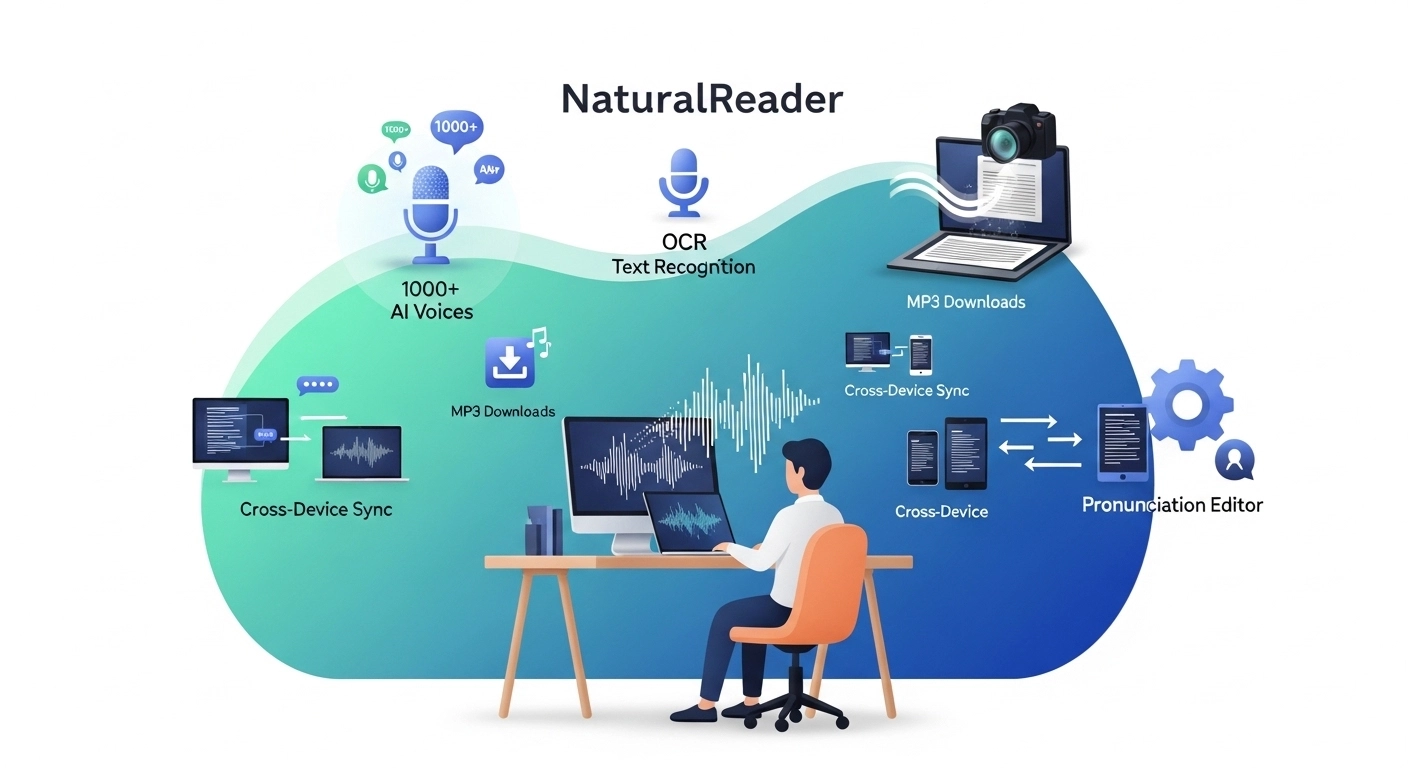
- 1000+ AI Voices: Offers many realistic, expressive AI voices.
- OCR Text Recognition: Reads text from images and scanned documents on paid plans.
- MP3 Downloads: Saves audio for offline listening on paid plans.
- Cross-Device Sync: Continue listening on different devices.
- Pronunciation Editor: Customizes how words are spoken.
NaturalReader Pricing
NaturalReader offers a free version with some limitations, and three personal paid plans. Prices below come from its plans and pricing help page, checked 22 October 2026.
- Lite Plan: $13.90/month or $79/year.
- Plus Plan: $20.90/month or $119/year.
- Pro Plan: $25.90/month or $159/year.
NaturalReader Pros and Cons
- Pros: Many high-quality voices. Reads from images. Offers MP3 downloads. Works on all devices.
- Cons: Free voices can sound robotic. Confusing pricing structure. Some users report bugs.
Feature Comparison
Both ReadLoudly and NaturalReader are strong contenders in the text-to-speech space.
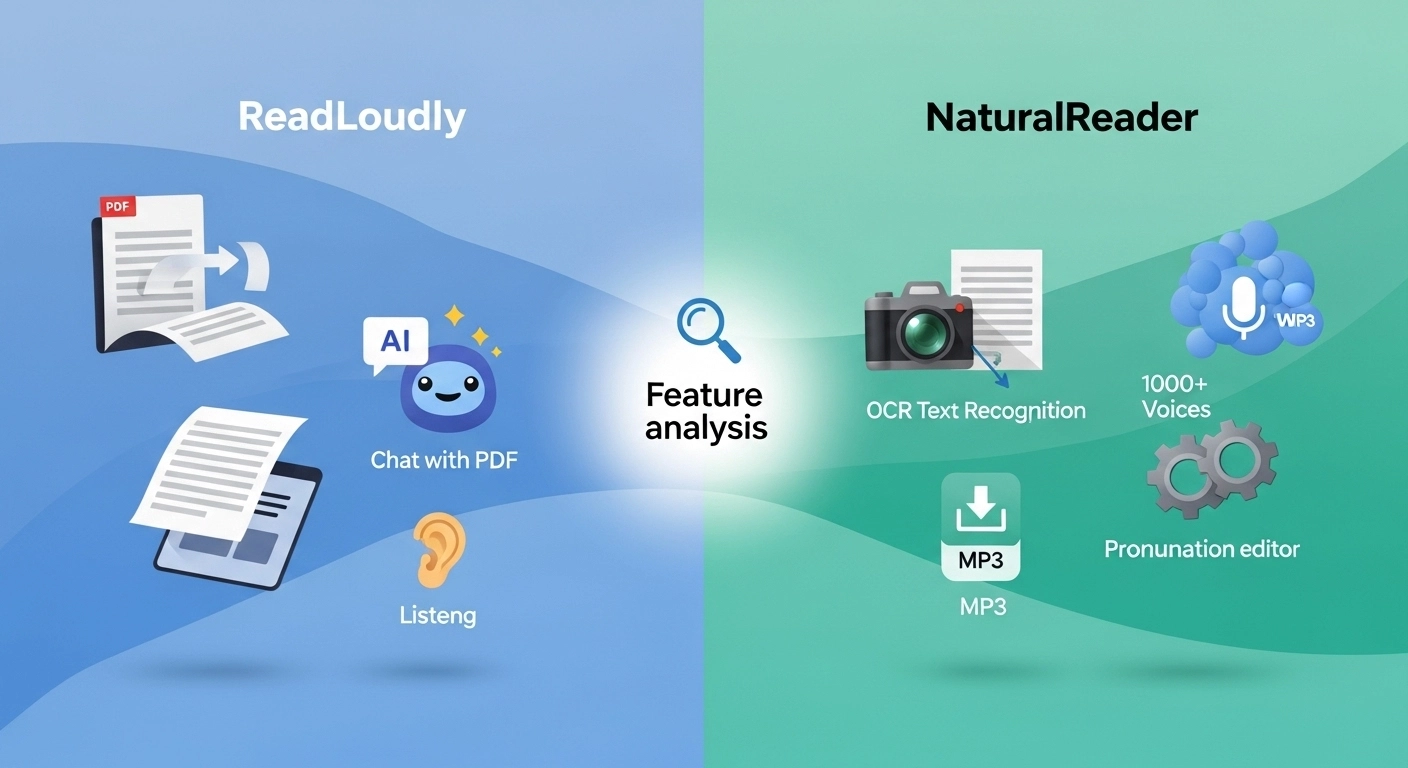
Here is a head-to-head comparison of their features so you can choose the app that suits your needs.
1. PDF Reading and Interaction
- ReadLoudly: This is where ReadLoudly shines. It offers unique features, such as "PDF to FlipBook" conversion, which makes reading digital documents more engaging. Its "Chat with PDF" functionality allows you to ask questions, summarize, and extract information directly from your PDFs.
- NaturalReader: NaturalReader handles PDFs effectively, including scanned documents through its OCR (Optical Character Recognition) feature, which needs a paid plan. You can easily upload and listen to PDFs, but it lacks the interactive "chat" or "flipbook" features found in ReadLoudly.
2. Voice Quality and Realism
- ReadLoudly: Offers natural-sounding AI voices, designed for a smooth listening experience. While good, some free voices might sound a bit robotic.
- NaturalReader: Boasts a vast library of 1000+ AI-powered voices. Many users find its premium voices to be very realistic, offering a wide range of tones and styles. However, its free voices can also sound less natural.
3. Supported Content and Web Pages
- ReadLoudly: This app can handle web pages, news articles, documents, and e-books. It features a Chrome extension that allows you to read aloud content directly from your browser.
- NaturalReader: Versatile in what it can read, including web pages via its Chrome extension, various document formats (PDF, Word, EPUB), and even text pasted directly into the reader.
4. Customization and Control
- ReadLoudly: Allows you to adjust voice type, reading speed, and pitch. You can also highlight and bookmark important sections.
- NaturalReader: Offers extensive customization options. You can control reading speed, adjust pitch, set pauses between sentences, and even use a pronunciation editor to fine-tune how specific words are spoken.
5. Offline Functionality and Audio Files
- ReadLoudly: Built for listening in the browser. Check the current plan details before you rely on offline use.
- NaturalReader: With paid plans, you can convert text to MP3 downloads, allowing you to listen to content offline. This is a convenient way to build your podcast-like listening library.
6. Accessibility Features
- ReadLoudly: Designed with accessibility in mind, helping users with reading difficulties or those who prefer auditory learning. Its progress tracking enables you to stay on top of your reading.
- NaturalReader: A strong tool for accessibility, especially for people with dyslexia and other reading challenges. It can highlight text as it reads, and offers a dyslexia-friendly typeface.
The nonprofit Understood describes text-to-speech as a reading aid that lets you see the text and hear it read aloud together, and lists it under assistive technology for reading. That is the use both tools are built for.
7. Unique Functionality
- ReadLoudly: Its "Chat with PDF" feature is truly a standout, turning a passive reading experience into an interactive one. The "PDF to FlipBook" conversion is another unique offering that enhances the digital reading experience.
- NaturalReader: Its OCR text recognition reads text from scanned documents and images, from the Lite plan up. It also offers a "Voice Cloning" feature (for personal use), allowing you to create an AI-generated voiceover version of your voice.
Free Tier Limits: ReadLoudly vs NaturalReader
NaturalReader counts its free limits in characters per day. ReadLoudly does not meter device voices at all, and its limit is how many pages it processes at once.
| Tool | Free allowance | Resets | OCR on free? |
|---|---|---|---|
| ReadLoudly | Device voices, no credits; 10 pages at a time; uploads up to 50 MB | No credits to reset; load the next 10 pages any time | Yes, 10 pages at a time |
| NaturalReader (help page, web app page) | Free system voices with no cap stated; Lite voices 20,000 characters a day; Plus and cloned voices 4,000 shared characters a day | Daily | No |
NaturalReader's marketing page still describes the Plus allowance in minutes, as a "5 Minute daily limit", while its help center uses characters. At roughly 1,000 characters per minute of speech, our estimate, the two roughly agree. The help page we used is dated July 2026, so recheck the numbers if you read this much later.
The free system voices are the part to understand. They have no stated cap, but they depend on your device, and NaturalReader says they cannot be converted to MP3 even with a subscription. The Free plan has no MP3 conversion and no OCR.
ReadLoudly's free plan is built the same way: it uses the voices your own device provides, and they cost no credits. The difference is that OCR is included. Guest files are kept about 24 hours, an account keeps a book 30 days after you last open it, and the free plan shows ads.
Other tools count their limits differently again. How every free tier counts its limits lays them out in one place.
Scanned and Long Documents: ReadLoudly vs NaturalReader
NaturalReader has a strong OCR path, but only on paid plans. Per its help center, it detects non-selectable PDFs and offers OCR, converts a page range of up to 50 pages at a time, and can combine up to 20 images. Lite and above include it.
ReadLoudly includes OCR on the free plan, 10 pages at a time. For a scanned chapter that means one batch of 10 pages, then the next. It is slower than a 50-page batch, and it costs nothing.
For a long book the daily cap matters. If a textbook runs about 2,000 characters a page, then 300 pages is around 600,000 characters. That is our estimate. At 20,000 characters a day, NaturalReader's Lite voices would take about 30 days to cover it. NaturalReader's free system voices have no stated cap, but they are limited to your device's voice quality.
Paid ReadLoudly plans process the whole document, with maximum uploads of 200, 350 and 500 MB, and listening time drawn from credits. Core's 100K credits are about 9.6 hours of standard voice or about 2.4 hours of natural voice. Paid NaturalReader plans raise the daily listening cap well beyond the free tier, to 500,000 shared characters a day on Plus and Pro.
Who Suits ReadLoudly and Who Suits NaturalReader
NaturalReader suits you better if you want audio files, fine control or accessibility tools. Paid plans include MP3 conversion, and there is a pronunciation editor, text highlighting while it reads, a dyslexia-friendly typeface, up to two cloned voices on Plus, and OCR that handles batches of 50 pages. If you build a listening library to take offline, those matter.
ReadLoudly suits you better if you want to work with the document itself. You can turn a PDF or e-book into a flipbook, ask questions with Chat with PDF, and use OCR without paying. It also costs less to start: Core is $5 a month or $50 a year, against $13.90 a month or $79 a year for NaturalReader Lite.
If you mainly want free, no-limit listening with a device voice, either free plan works. The deciding factors are OCR, MP3 and how you like to study.
What to Look for When Choosing a Text-to-Speech Tool?
Choosing the right text-to-speech (TTS) tool can be a challenging task.
You want something that works for you.
Here's what to keep in mind when picking an app that reads:
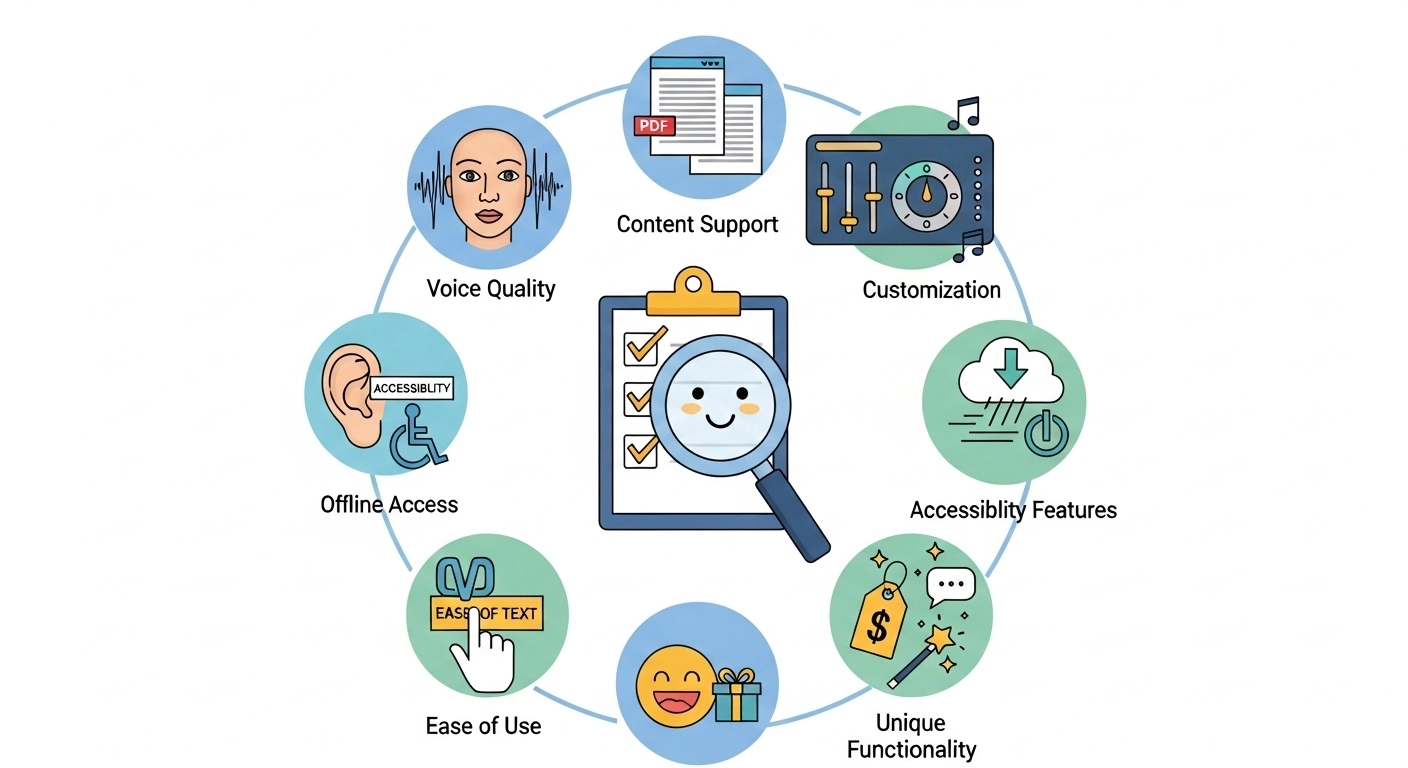
- Voice Quality: Do the voices sound real? You want realistic AI voices, not robotic ones. Check for natural flow and good pronunciation.
- Content Support: Can it read web pages, PDFs, and different document types? Ensure it handles the content you use most frequently.
- Customization: Can you change the voice, speed, and pitch? More options mean you can make it sound just right.
- Offline Access: Can you listen to audio files even without an internet connection? This is great for your commute.
- Accessibility Features: Does it help with reading challenges? Look for features like text highlighting as it reads.
- Ease of Use: Is the app easy to understand and use? You don't want a complicated tool.
- Pricing: Is there a free version? What do the paid plans offer? Make sure it fits your budget.
- Unique Functionality: Does it have special features, such as chatting with PDFs? Some tools offer unique ways to interact with text.
What to Check Before Paying for NaturalReader or ReadLoudly
Check the licence, the headline price and the exact voice you are paying for.
- Personal use only: NaturalReader says audio from its Lite, Plus and Pro plans is licensed for personal use only, and the commercial AI Voice Generator is a separate product. If you publish audio, this matters.
- The headline price: NaturalReader's web app page shows the yearly price divided by 12, such as $9.92 a month for Plus. Plus actually costs $20.90 on monthly billing or $119 billed yearly. NaturalReader's help center lists the same prices and is the clearest source.
- Refund windows: The same page lists 3 days for monthly plans and 7 days for yearly plans, so test the plan straight away.
- Which voice counts: NaturalReader splits its voices into Free, Lite, Plus and Pro, and each has its own limits. Find out which tier the voice you like belongs to.
- ReadLoudly credits: Core is 100K credits, Plus 200K and Pro 400K. Natural voices use more credits than standard voices.
Before you pay either, load one of your own documents into both free plans. It takes a few minutes and shows you which one reads it better.
Final Verdict
After testing both, our pick for the best text-to-speech tool in 2026 is ReadLoudly.
While NaturalReader has many voices, ReadLoudly wins because of its strong PDF features.
Being able to "Chat with PDF" and turn documents into "FlipBooks" makes a big difference.
It changes how you work with digital files.
If you want to get more out of your PDFs and boost your productivity, ReadLoudly is the clear choice.
We've conducted a thorough review so that you can trust our recommendation.